
Shopping Cart
CockpitDekor · How it's made
How we make our dashboard trim templates
Every CockpitDekor 3D trim kit starts with a real car, not a generic sheet of film. When a new model comes out, we trace its interior trim panels by hand and turn those tracings into precise print and cutting files. That is why each kit follows the exact shape of your dashboard, doors and centre console.
In short: low-tack transfer paper on the real car → check on the spot → A0 full-size scan → clean vector drawing → UV print and plotter cut → test fit.
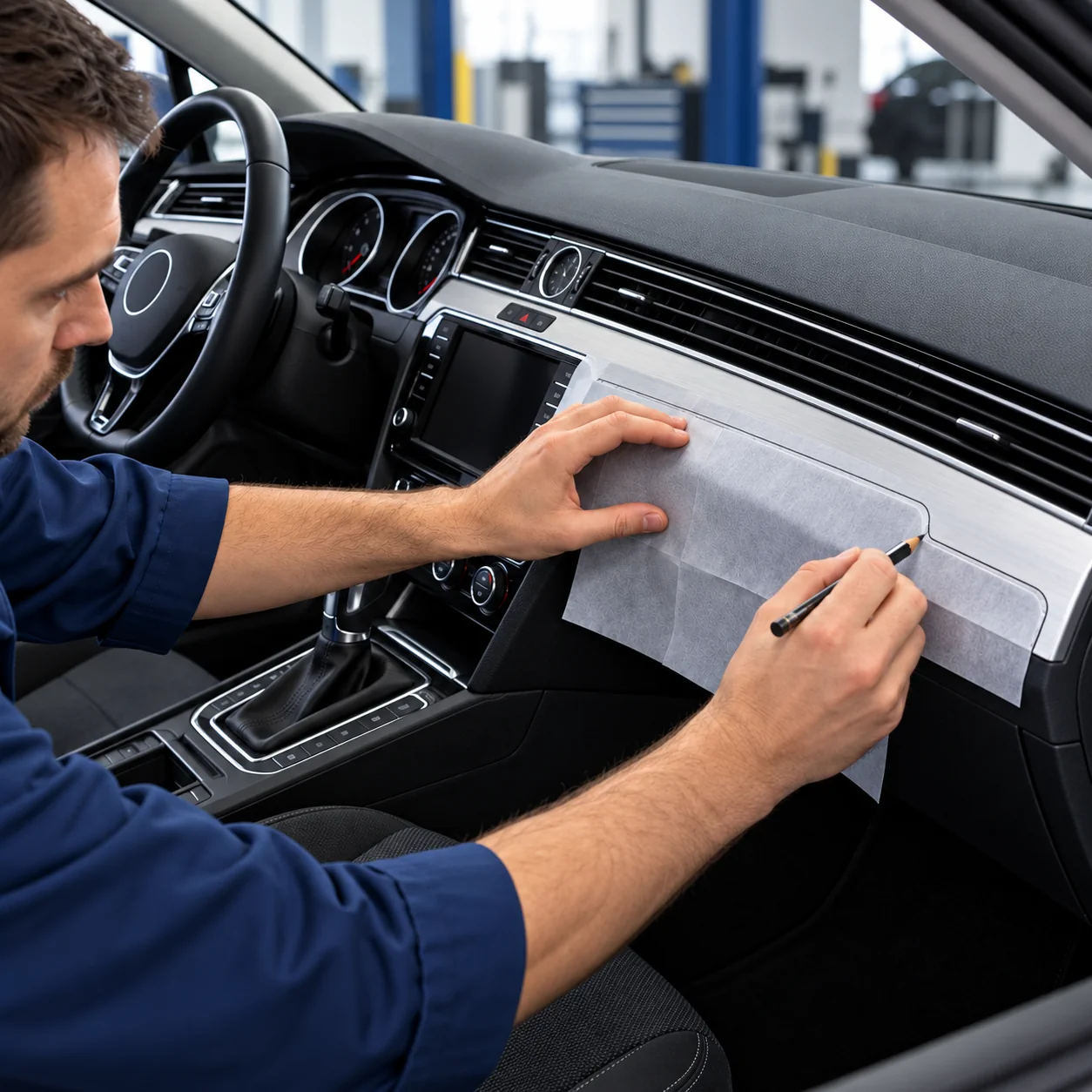
1. Tracing on the car
We use a low-tack, one-sided transfer paper: it sticks lightly to the panel and peels off again without stretching, so the outline keeps its exact shape – an ordinary film would deform. It is translucent enough to see every edge, yet strong. The outline is drawn with a soft pencil with a rounded tip, so the paper is never pierced. Large parts that need several sheets are taped together.
2. Checking on the spot
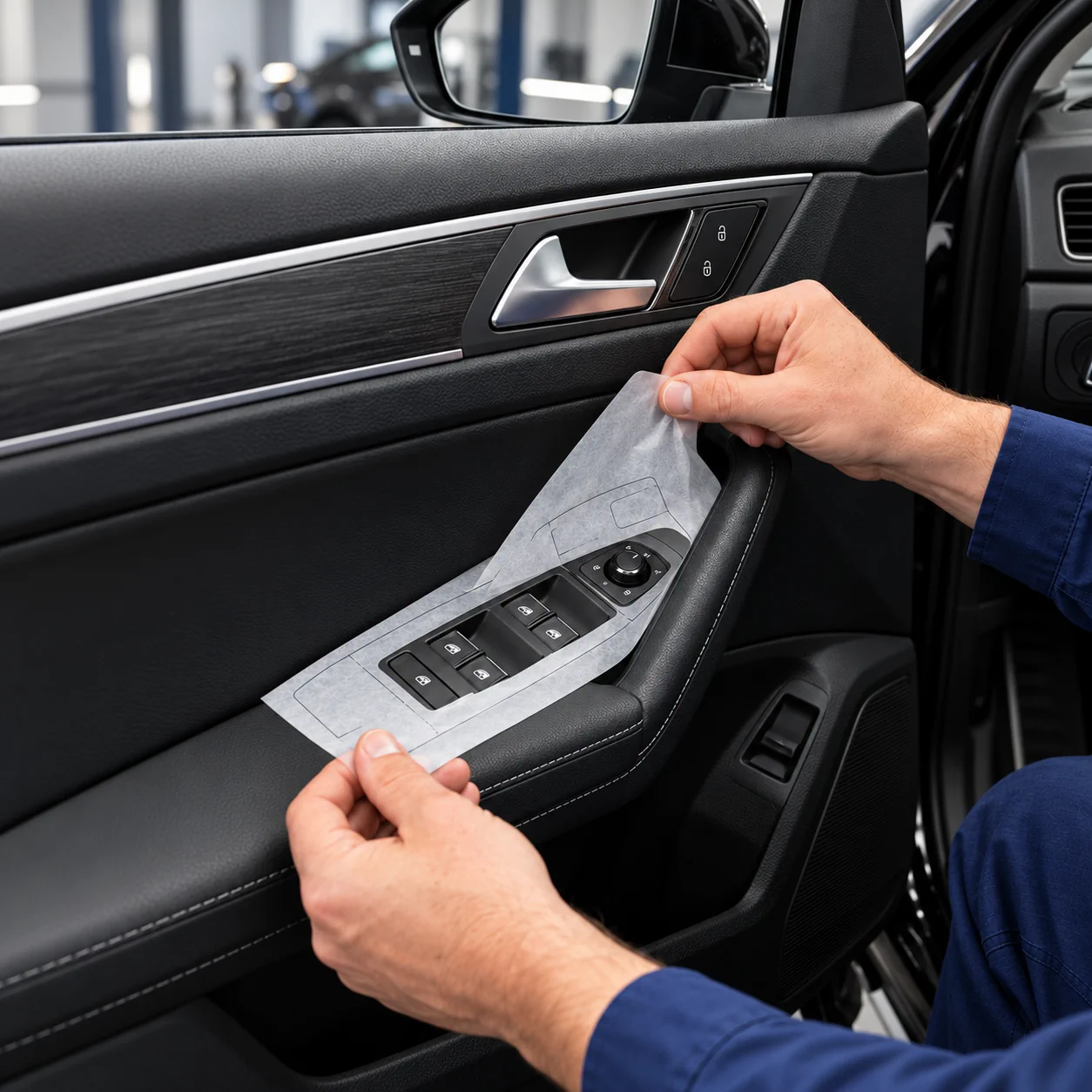
Before the tracing leaves the car, we check it against the panel again. Button cut-outs are marked with a small clearance of about 1.5 mm, so the trim never rubs against the switches. Key dimensions are measured with a digital caliper. A template that is off by a millimetre shows on the finished kit, so this step is never skipped.
3. Scanning at full size
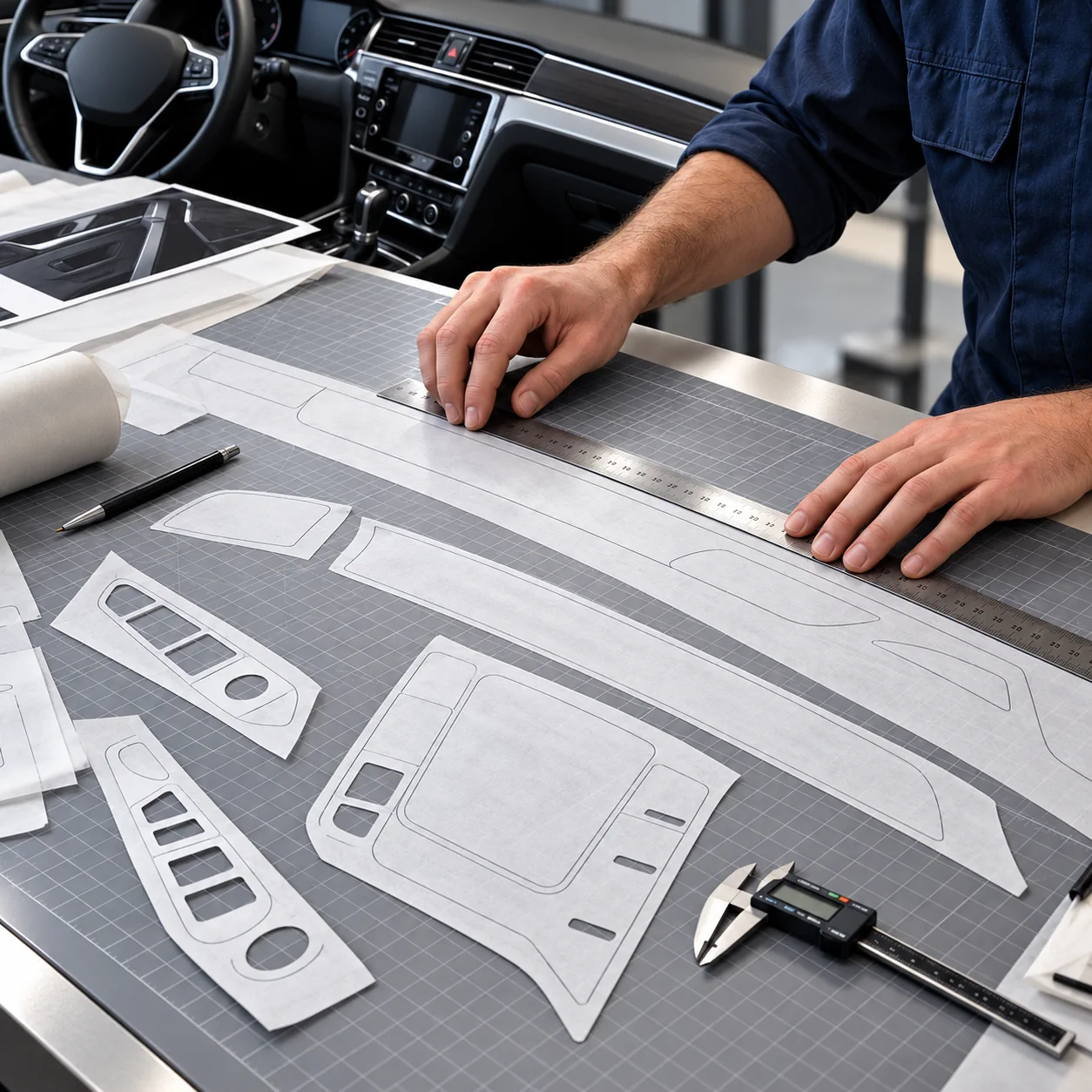
The tracings are laid out flat on a large table under an A0 overhead scanner: a camera above the table captures the whole template in one go. Years ago we had to piece large parts together from A4 and later A3 scans – today a full dashboard strip is scanned at once.
4. From scan to vectors
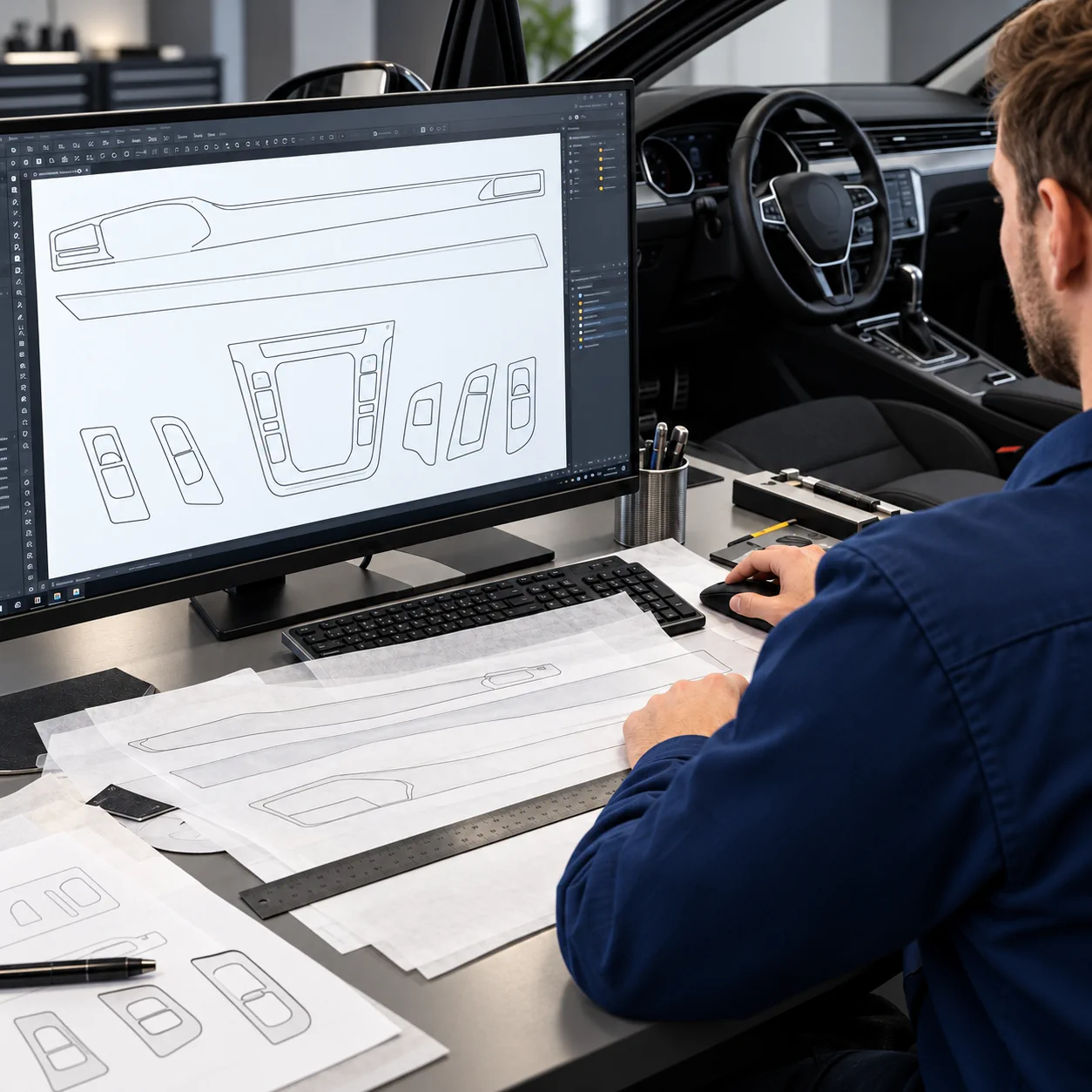
The scanner software turns the image straight into vector contours and keeps the real dimensions. We then check every line and clean up the curves and cut-outs.
5. Building the production file
The contours become vector drawings: one line for the cutting plotter, plus the print area that is filled with the finish you choose – wood, carbon or aluminium look, or a solid colour.
6. Printing and cutting
Parts are printed on a UV printer and cut on a cutting plotter along the drawn contour.
7. Test fit
The first kit from a new template is fitted to the car. If a part needs a correction, we fix the template itself, not just the single part, so every following kit fits the same way.
What this means for you
- Parts follow the original shape of the trim panels and the button cut-outs.
- The fit comes from the real car, not from a photo or a universal size.
- We try to add new models soon after they reach the road.
Your car isn't in our catalogue?
Send us your car's make, model and year. We are adding new models all the time.
Contact usRead also: Installation Guide · Material Guide