
Shopping Cart
CockpitDekor Installation Guide · 2026
Dashboard Trim Installation Guide 2026
Install a vehicle-specific self-adhesive dashboard trim kit step by step: check the package, dry-fit every part, clean the bonding surface, use promoter only if supplied, warm gently in cold conditions, align carefully and press firmly.
Direct answer: For most vehicle-specific CockpitDekor-style trim kits, dashboard disassembly is not normally required. The most important steps are dry fitting, removing silicone/grease residue, careful alignment and firm pressure. Most installation problems start with poor surface preparation.
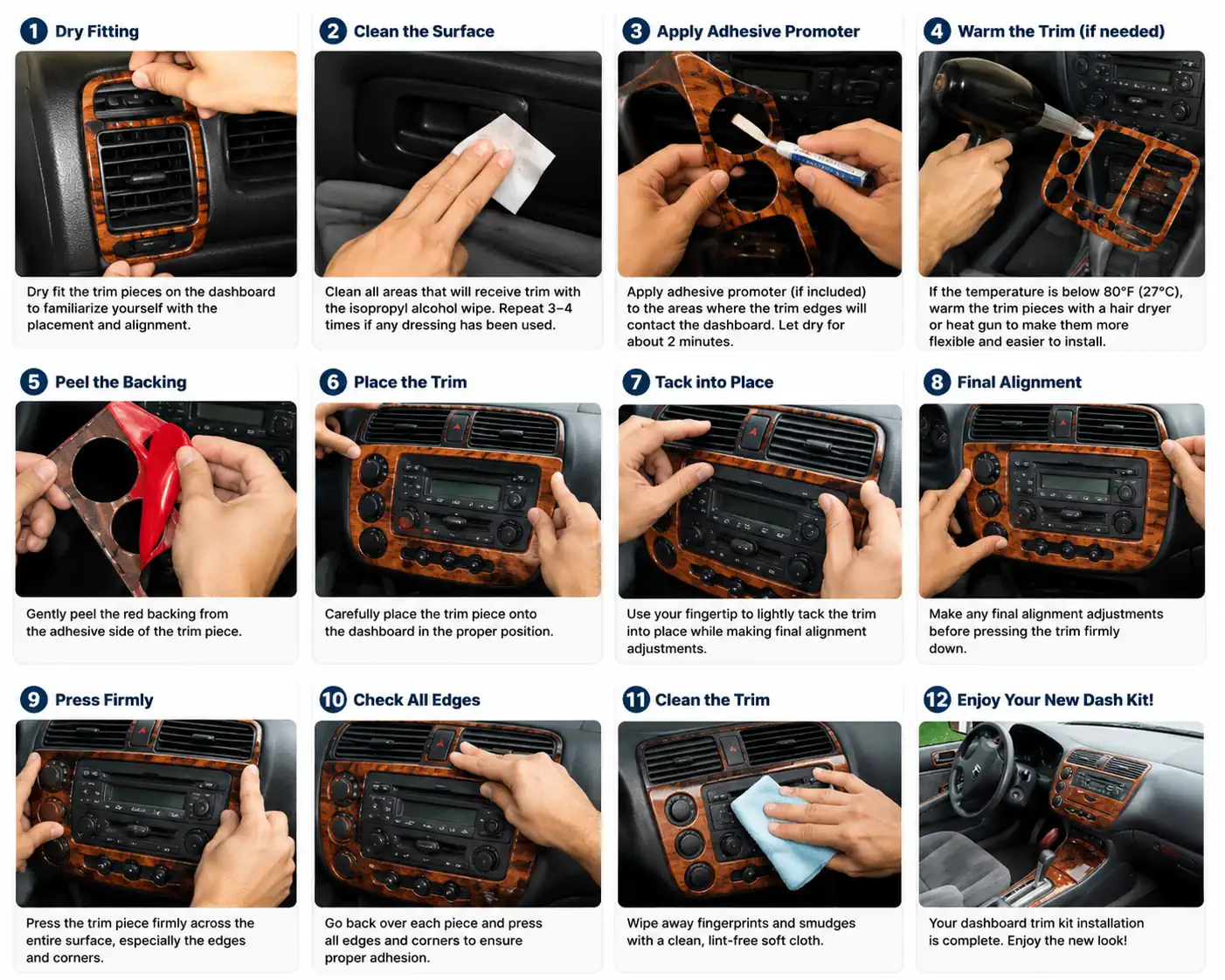
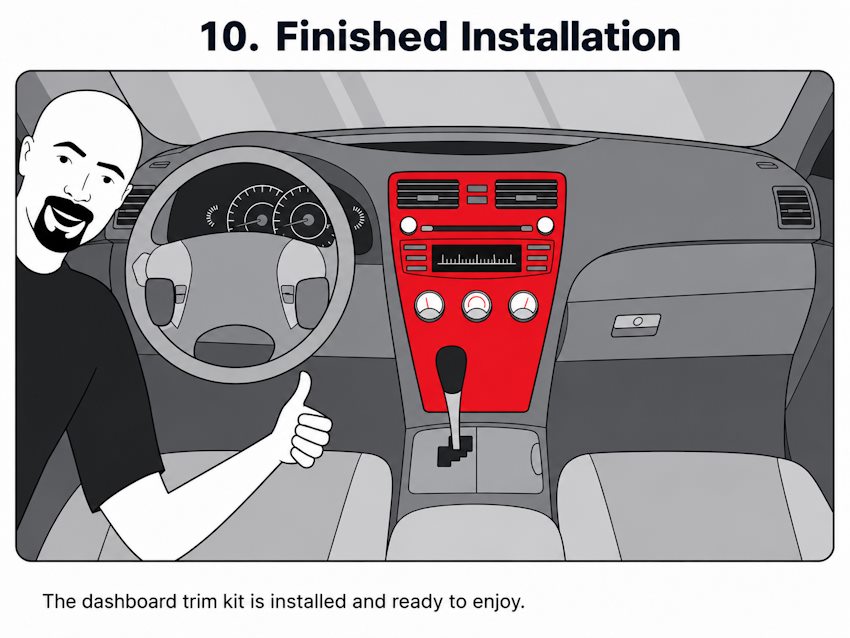
Finished dashboard trim kit after installation.
Quick Start — What Should I Do First?
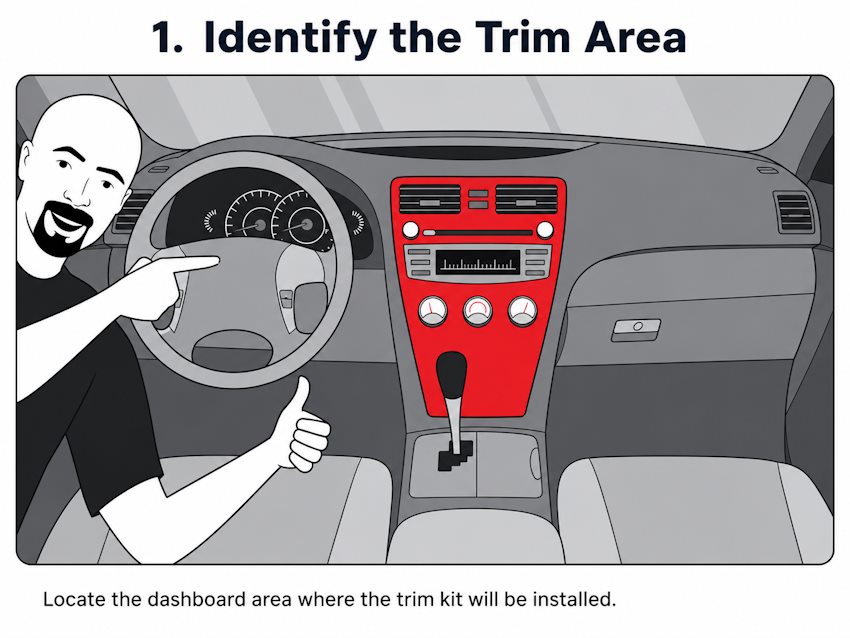
A dashboard trim kit is normally fitted over the existing dashboard and interior surfaces. For most vehicle-specific kits, original panels, vents, buttons and console parts do not need to be removed. The best result comes from careful preparation and patient positioning.
| Step | Action | Why / note |
|---|---|---|
| 1 | Check every trim part against the diagram | Do not remove backing film yet |
| 2 | Dry fit every part | Confirm position, cut-outs and alignment |
| 3 | Clean bonding areas | Remove silicone, grease, dust, wax and cleaner residue |
| 4 | Use promoter only if supplied/recommended | Focus on edges, curves and narrow parts |
| 5 | Warm gently if the cabin is cold | Use a hair dryer or low-temperature heat carefully |
| 6 | Peel, align and tack lightly | Make final position adjustments before full pressure |
| 7 | Press the full surface and edges firmly | Avoid stressing edges for the first 24–72 hours |
Package Checklist
- dashboard trim kit
- dash kit diagram
- printed installation sheet
- warranty information sheet, if supplied
- isopropyl alcohol wipes, depending on kit size
- adhesive promoter sticks, only if included with the kit
Tools and Working Time
- hair dryer or low-temperature heat gun for cooler conditions
- clean lint-free soft cloth
- masking tape for a simple cleanliness/adhesion check
- cotton swabs for tight corners
- plastic trim tool if old trim or adhesive must be lifted
- approximately 1–3 hours of working time, depending on kit size
Step 1–2 — Dry Fit and Clean
Step 1: Dry fit every trim piece
Place each piece on the dashboard without removing the backing. Use vents, radio/NAVI frame, climate controls, switches, cup holders, gear selector frame and door edges as alignment references. Never force a part. If it does not sit naturally, stop and compare the diagram again.
Dry fit each dashboard trim piece before removing the adhesive backing.
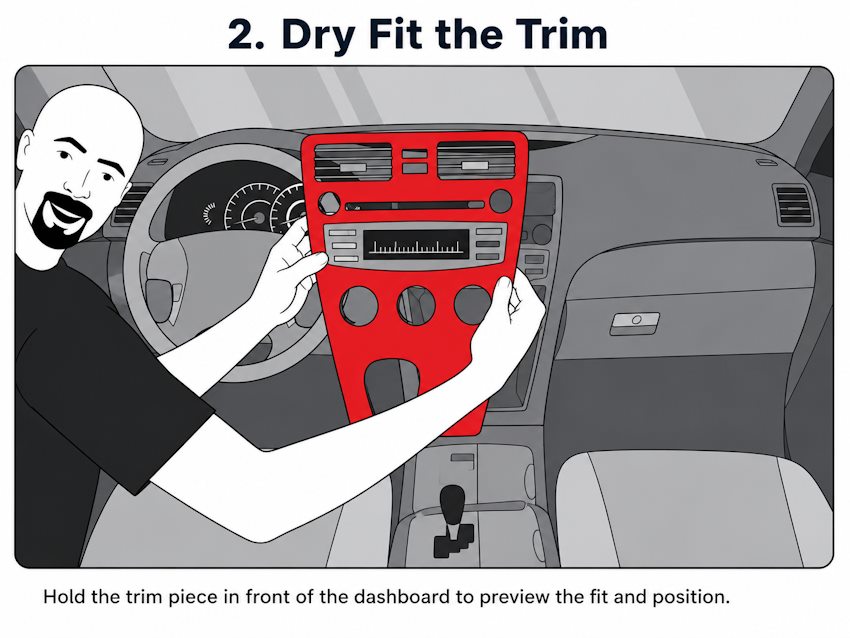
Check alignment around vents and controls.
Step 2: Clean the bonding surface
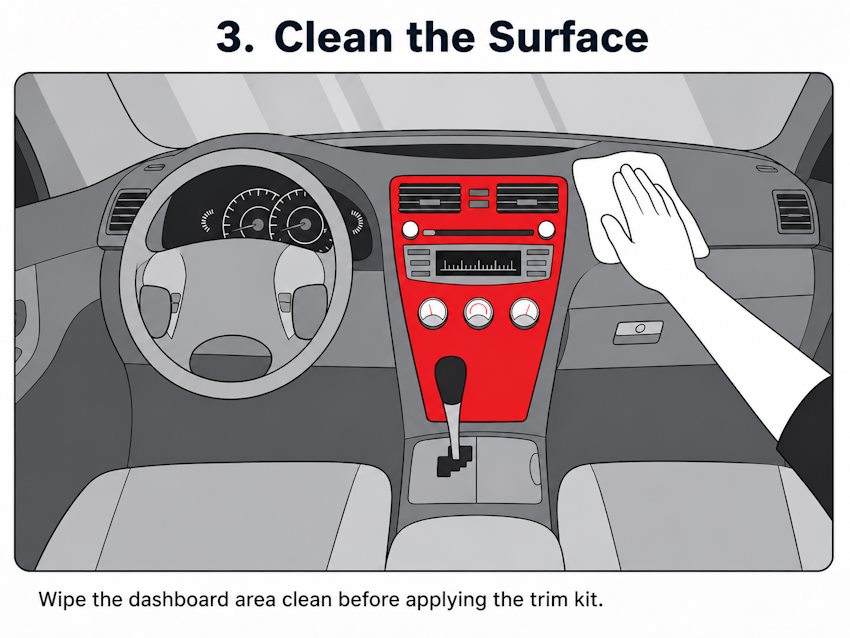
Clean only the areas where trim will be applied. Isopropyl alcohol wipes or a suitable IPA-based cleaner are normally used for final preparation. If the dashboard has silicone dressing, shine spray, wax or repellent residue, clean repeatedly until the surface is free from residue.
A simple check is to press a small piece of masking tape onto the cleaned area. If the tape does not stick easily, continue cleaning before installing the trim.
Step 3–4 — Promoter and Temperature
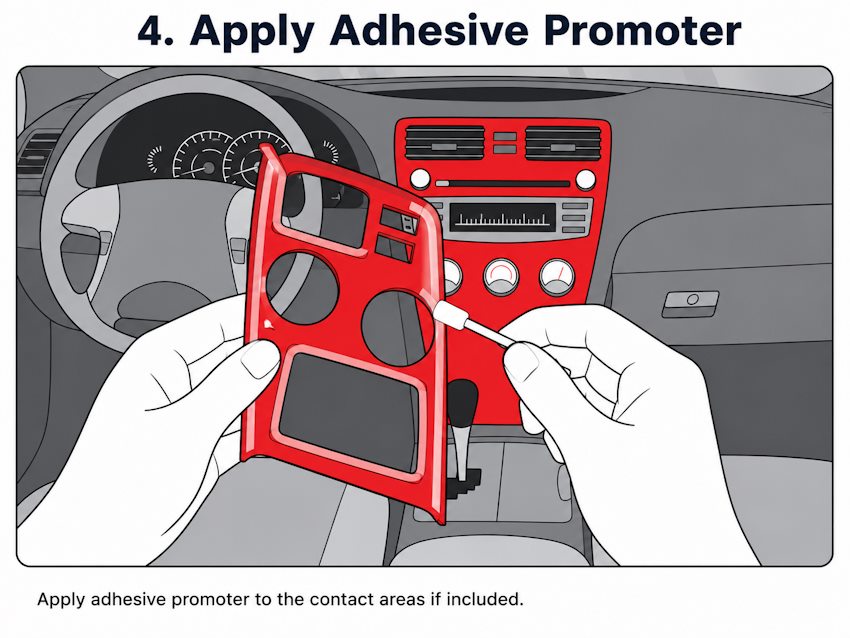
Step 3: Apply adhesive promoter only if supplied
If a promoter stick is included, apply it only to the prepared bonding zones. Give extra attention to corners, edges, narrow pieces and curved sections. Allow it to dry according to the supplied installation sheet.
Apply adhesive promoter only if supplied for the kit.
Step 4: Warm the trim if the interior is cold
In cool conditions, gently warm the trim and the dashboard area. A hair dryer is normally easier to control than a professional heat gun. Keep the heat moving and avoid overheating; the goal is only to make the trim slightly more flexible and support adhesive bonding.
Warm trim gently in cool conditions.
Step 5–7 — Align, Press and Inspect
Step 5: Peel, align and tack lightly
Peel the adhesive backing carefully. Position the part slowly and allow only a small area to touch first. Tack lightly with a fingertip while checking final alignment. Once the full adhesive surface has been pressed down, repositioning becomes difficult.
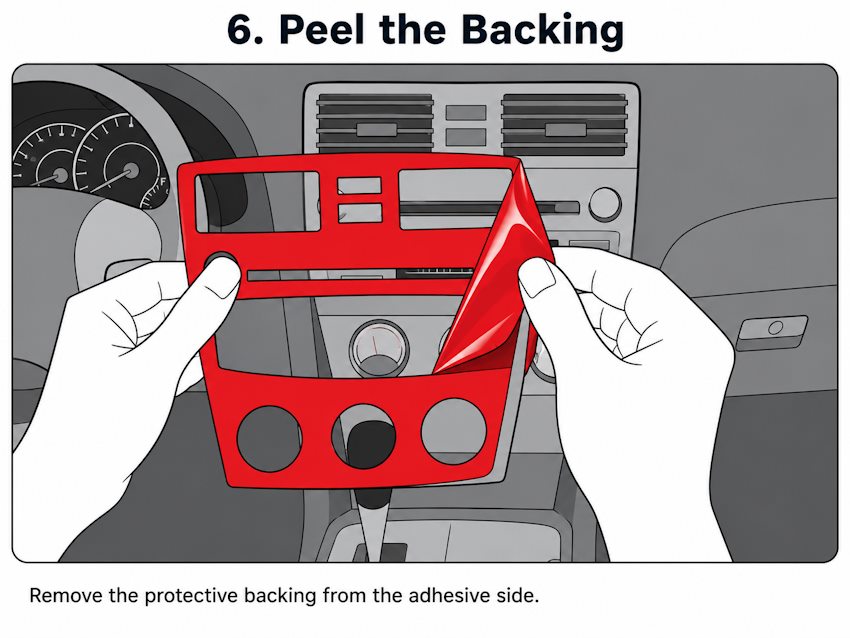
Peel the adhesive backing carefully.
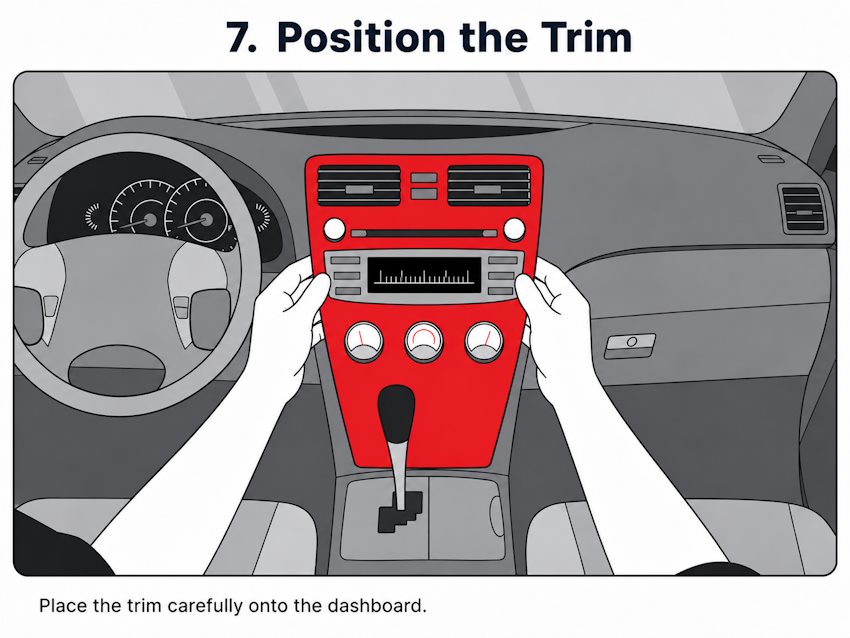
Place the trim gently and check alignment.
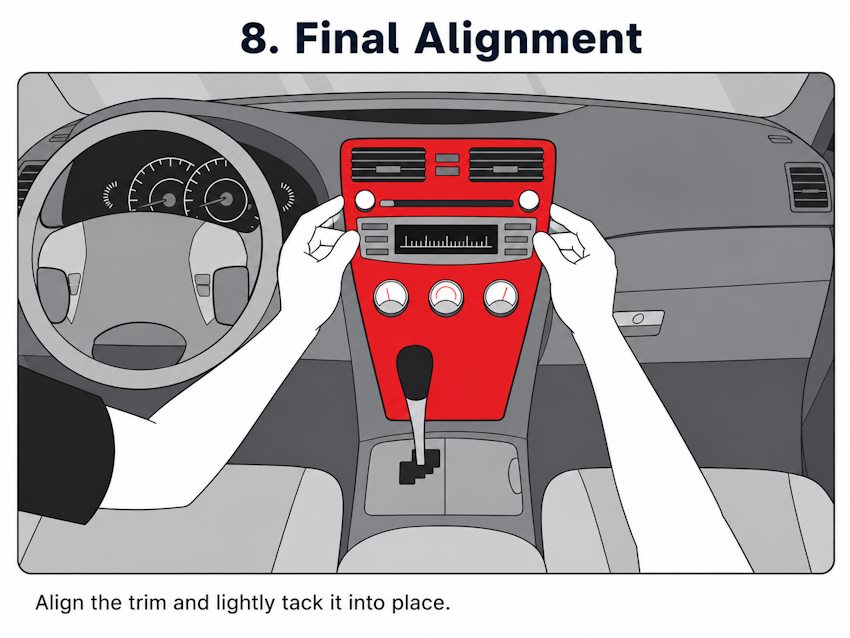
Tack lightly while adjusting position.
Make the final alignment adjustment before firm pressure.
Step 6: Press firmly across the entire part
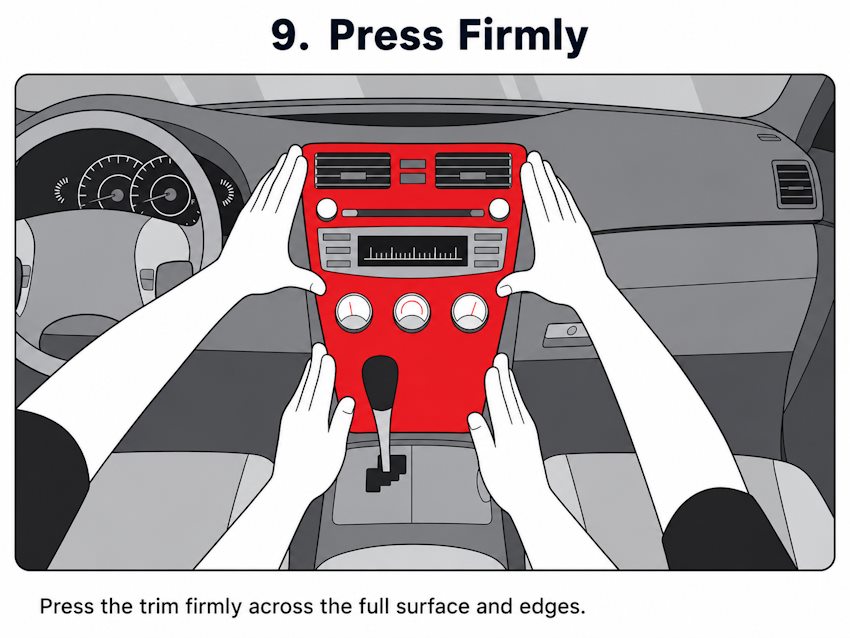
After alignment, press firmly with your fingers over the full surface. Pay particular attention to corners, edges, thin ends, curved pieces and areas around buttons or vents.
Press the entire surface firmly, especially corners and curves.
Step 7: Final clean and inspection
Recheck every piece and press the edges once more. Remove fingerprints with a clean lint-free cloth. If needed, use a cleaner that is safe for the finish and apply it to the cloth, not directly into dashboard electronics.
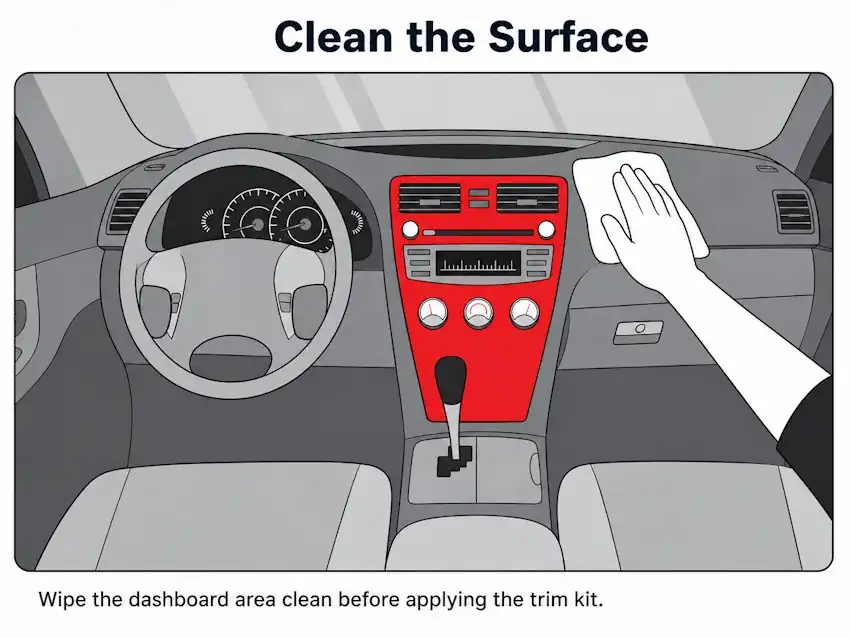
Clean fingerprints with a soft lint-free cloth.
How Should I Clean the Dashboard Before Adhesive Trim?
Surface preparation is the most important installation variable. Even a correctly shaped piece can lift if the dashboard contains silicone, wax, grease, dust, oil or cleaner residue.
✓
- isopropyl alcohol wipes or suitable IPA-based cleaner
- clean lint-free cloth
- soft detailing brush for dust
- cotton swabs for narrow edges and corners
- masking tape for a quick adhesion check
✕
- silicone dashboard sprays or dressings
- wax or oily interior protectants
- greasy cleaners that leave residue
- excessive liquid around switches/electronics
- abrasive pads or harsh solvents on finished decorative surfaces
After installation, avoid heavy cleaning, lifting edges or strongly stressing curved pieces for the first 24–72 hours while the adhesive bond develops.
Frequently Asked Questions
Do I need to remove the dashboard?
Usually no. The supplied source describes vehicle-specific trim as fitting over the existing dashboard and interior surfaces.
What causes most installation failures?
Poor surface preparation. Silicone, grease, wax, dust and cleaner residue can reduce adhesive bonding.
Should I use adhesive promoter everywhere?
No. Use it only if it is supplied or recommended, and only on the bonding zones.
Can I install in a cold vehicle?
Yes, but gently warming the trim and bonding surface can help. Do not overheat the material.
Can I reposition a part after pressing it down?
Only to a limited extent. Align carefully and tack lightly before applying full pressure.
How long does installation take?
The supplied guide allows roughly 1–3 hours depending on kit size and complexity.
What should I do if a part does not fit naturally?
Stop. Do not force or cut the part. Recheck the installation diagram and vehicle configuration.
Important: installation technique does not fix a wrong kit. Before fitting, confirm the exact vehicle make, model, production year, dashboard layout and equipment version.
CockpitDekor / Autodekor s.r.o. · Vehicle-specific aftermarket interior trim. Vehicle manufacturer names are used only for compatibility identification; no OEM endorsement is implied.